
Identity
Your people sign in with Microsoft Entra ID and MFA — your conditional access policies apply. No separate credential store to defend.
Security & deployment
The security posture of AI Pulse is the product: read-only where observation is the job, explicit authorisation where enforcement is, and your data inside your boundary in both.
01Architecture
In its read-only posture AI Pulse deploys as a managed application inside your own Azure tenant. It authenticates with a read-only managed identity; there are no write permissions to grant, scope down, or accidentally leave broad. Asset data, telemetry and generated evidence stay in your tenant — nothing is shipped to us to “improve the product”.
With enforcement deployed it runs where your agents run — any cloud, self-hosted, sovereign, or fully air-gapped. Its decision ledger is tamper-evident and stays in-environment. Enforcement power is granted per agent, by you, and can be read back as policy at any time.
02Deployment
AI Pulse is packaged as an Azure managed application, provisioned directly into your subscription. An Azure Marketplace listing is planned.
The managed application lands in your own Azure tenant. A read-only managed identity is created — zero write permissions in the set.
Your team signs in with Microsoft Entra ID and MFA, under your existing conditional access policies.
Discovery sweeps begin across your Microsoft AI surfaces. Systems are registered, tiered and mapped; evidence packs become available.
Nothing is installed on a host and no agent runs anywhere in your estate. Deployment creates a managed application and a read-only identity, and that is the whole footprint.
03Access & operations
Your people sign in with Microsoft Entra ID and MFA — your conditional access policies apply. No separate credential store to defend.
Read-only: a managed identity with zero write permissions, verifiable in your own tenant. With enforcement: scopes granted per agent, revocable, logged.
Data and evidence remain inside your tenant or environment. Sovereign and air-gapped deployments carry no external dependency.
Enforcement decisions are written to an append-only, tamper-evident ledger — the record is the evidence.
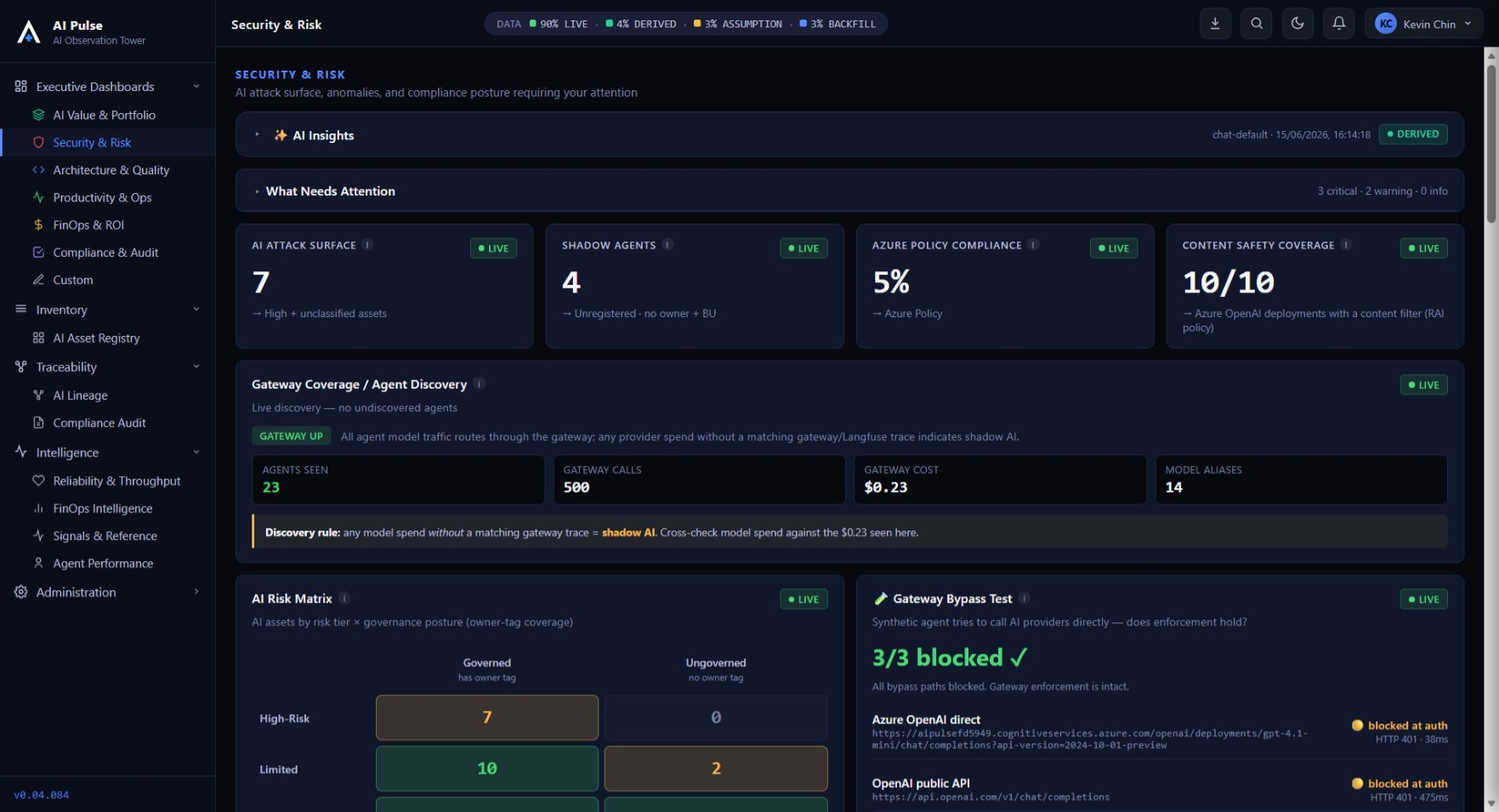
Detailed security documentation, architecture diagrams and penetration-test summaries are shared under NDA during evaluation. Request access →
04Identity & secrets
An agent is only as governable as its identity. Agents authenticate either with a per-agent secret or with a workload identity token — verified signature, exact issuer and audience, expiry, and a binding claim that must resolve to that exact agent in the registry. A token that fails never falls back to a secret.
Moving from shared secrets to per-workload identity is a migration, so it runs in dual mode and stays off until you deliberately enable it. Two rules hold throughout: the shared platform identity is forbidden as an authentication subject, and a decision record stores only which mechanism was used — never a token, a claim or a secret.
Rotation stages new values under separate names on the services already entitled to hold them, changing nothing live until every holder has accepted its staged value. An interrupted run resumes from its checkpoint and replays the same values rather than generating new ones. Values are never printed; progress is reported as counts, and a failure names the holder and the secret it was missing.
There is no central credential store, because one would become a single all-credentials target. Build logs, artefacts and repository files are not treated as acceptable secret stores either.
05Why this shape
Provisioned straight into your Azure subscription — no source access, no custom build. A Marketplace listing is planned, so it can count against existing Azure commitments once live.
The application lives in your tenant under a managed resource group. You can see every resource and every permission — including the absence of write access.
We check discovery coverage against your licence tiers during evaluation, so what you buy is what you saw working.